
Zoome Online Casino App
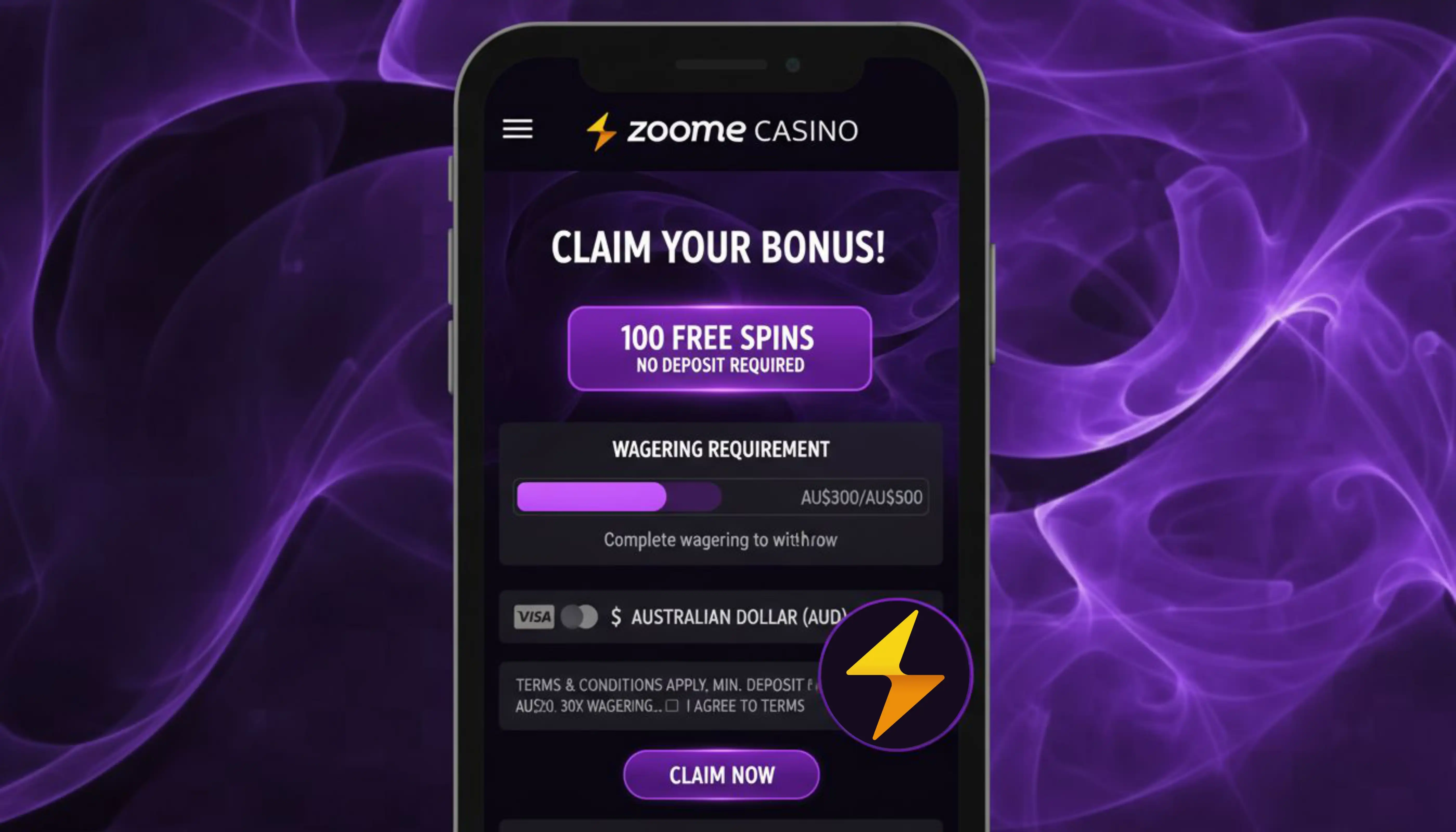

At Zoome Casino, we know that today's players want to enjoy their favourite pokies and table games wherever they are, without being tied to a desktop computer. That's why we've built a mobile experience that puts our entire game library, banking options and promotions right in your pocket. Whether you're waiting for a bus or relaxing on the sofa, Zoome Casino is ready whenever you are.
This page walks you through everything you need to know about playing with us on mobile: how to get set up, what our app actually offers, and why thousands of players choose our platform for their gaming sessions. We'll also clear up a common question - do we have a native app, or something else?
Desktop Version vs Our Mobile App
We understand that not everyone wants to play on a phone screen, so we've made sure our platform runs beautifully across every format. Here's how the two compare:
| Feature | Desktop Version | Mobile App (PWA) |
|---|---|---|
| Access | Any browser on PC or laptop | Installed via home screen shortcut |
| Game Library | 4,000+ titles | 4,000+ titles, fully optimised |
| Live Dealer Games | Yes | Yes |
| Deposits & Withdrawals | Full banking suite | Full banking suite |
| Storage Required | None | Minimal, no app store install |
Whichever version you choose, we've made sure your experience stays consistent. Our Zoome casino desktop version and our mobile app share the same backend, so your favourite slots, your loyalty points and your bonus progress carry over seamlessly.
How to Get the Zoome App Download
We should be upfront with you: Zoome does not offer a native app that you download from the Apple App Store or Google Play. Instead, we provide a Progressive Web App (PWA) that you install directly from your browser. This approach means we can update our platform instantly, without waiting for app store approval, and it keeps your device free of unnecessary storage clutter.
For Android Users
- Open your preferred mobile browser and go to our official website
- Log in or register your account with Zoome Casino
- Tap the browser menu and select "Add to Home Screen"
- Confirm the installation, and our icon will appear alongside your other apps
- Launch the app anytime directly from your home screen
For iOS Users
- Open Safari and navigate to our website
- Sign in to your account or create a new one
- Tap the Share icon at the bottom of the screen
- Select "Add to Home Screen" and confirm
- Enjoy quick access to our games without opening a browser each time
Once installed, our Zoome app download process takes less than a minute, and there's no need for extra permissions or storage-hungry files. We designed it this way to make the experience as smooth as possible for both Android and iOS users.
Logging Into Your Zoome Account
Getting into your account from mobile is just as simple as on desktop. We use the same secure login system across every device, so your details, balance and history stay synced no matter where you play. If you've already registered on our desktop site, you can use the same credentials to Zoome login through the app, and vice versa. For a full breakdown of account setup and verification, check our dedicated registration page.
Our Game Selection on Mobile
We've optimised our entire portfolio for smaller screens without cutting corners on quality. Through the app you'll get full access to:
- Over 1,000 pokies and slots from 66 studios, including BGaming, Betsoft, Yggdrasil and Playson
- Live dealer tables covering blackjack, roulette, baccarat and poker
- Jackpot slots with progressive prize pools paid out in full
- Table games, crash games, instant win titles and video poker
- Bonus buy features for players who like to jump straight into the action
Everything loads quickly through the browser-based app, and there's no need to download individual games - they stream directly, keeping your device's storage untouched.
Security and Licensing
We operate under a licence issued by the Tobique Gaming Commission, and this same licence covers every version of our platform, including the mobile app. Our commitment to fair play and secure transactions doesn't change depending on the device you use. Whether you're depositing via card, bank transfer or cryptocurrency, we apply the same encryption and verification standards across desktop and mobile alike. If a dispute ever arises, the independent ADR body EGIS is available to help resolve it.
Claim Your Welcome Bonus on Mobile
New players joining us through the app can claim the same generous welcome package available on desktop. We activate every part of the bonus automatically after a qualifying deposit - no bonus code required.
| Deposit | Bonus (AUD locale) | Bonus (EUR locale) |
|---|---|---|
| 1st Deposit | 100% up to 1,500 AUD + 100 free spins | 100% up to 1,000 EUR + 100 free spins |
| 2nd Deposit | 50% up to 1,125 AUD + 50 free spins | 50% up to 750 EUR + 50 free spins |
| 3rd Deposit | 100% up to 1,125 AUD + 100 free spins | 100% up to 750 EUR + 100 free spins |
Every part of our welcome bonus carries a x40 wagering requirement, and each stage stays active for 7 days once triggered. Free spins are delivered in batches of 25 per day, and the maximum win from bonus funds is capped at 10 times the bonus amount. For the complete terms, including our high-roller alternative offer, visit our Zoome bonus page.
Our Customer Support
Questions about the app, your account or a bonus? Our support team is easy to reach directly from the mobile interface:
- Live Chat: Available 24/7 through the app
- Email: [email protected]
- WhatsApp: +447831130277
- FAQ Section: Accessible from the main menu
Why Players Choose Our App
- Instant installation with no app store approval delays
- Automatic updates - you always have the newest version
- Full access to our welcome bonus, reload offers and loyalty programme
- Support for both Android and iOS through one universal PWA
- Same fast withdrawal times as our desktop platform
We built our Zoome app download experience around convenience, not compromise. Every feature you'd expect from the full site - live chat, banking options, promotions - travels with you.

Conclusion
We designed our mobile experience so you'd never have to choose between convenience and quality. With a fast Zoome casino app download process, full game access, and the same bonuses and security you'd find on desktop, there's little reason to play anywhere else. Whether you're an Android user or on iOS, getting started takes just a few taps - so why not join us today?
FAQ
Do you have a Zoome casino app available on Google Play or the App Store?
No, we don't offer a downloadable app store version. Instead, we provide a browser-based PWA that installs directly to your home screen on both Android and iOS.
Is the Zoome casino app android compatible?
Yes, our app works smoothly on Android devices through your browser. Simply visit our site, log in, and add the shortcut to your home screen.
How do I complete the Zoome casino app download?
Open our website in your mobile browser, log in or register, then use your browser's "Add to Home Screen" option. The whole process takes less than a minute.
Can I use the same login for the Zoome casino desktop version and the app?
Absolutely. We use one unified account system, so your Zoome login credentials work identically across desktop, mobile browser and the installed app.
Are there any fees for using the mobile app?
We don't charge any fees for installing or using our app. All deposit and withdrawal methods carry the same no-fee policy as our desktop platform.
Will I lose my bonus progress if I switch between devices?
No, we sync your account in real time. Your bonus progress, loyalty points and game history stay consistent whether you play on desktop or through the app.
Content updated: September 07, 2026